
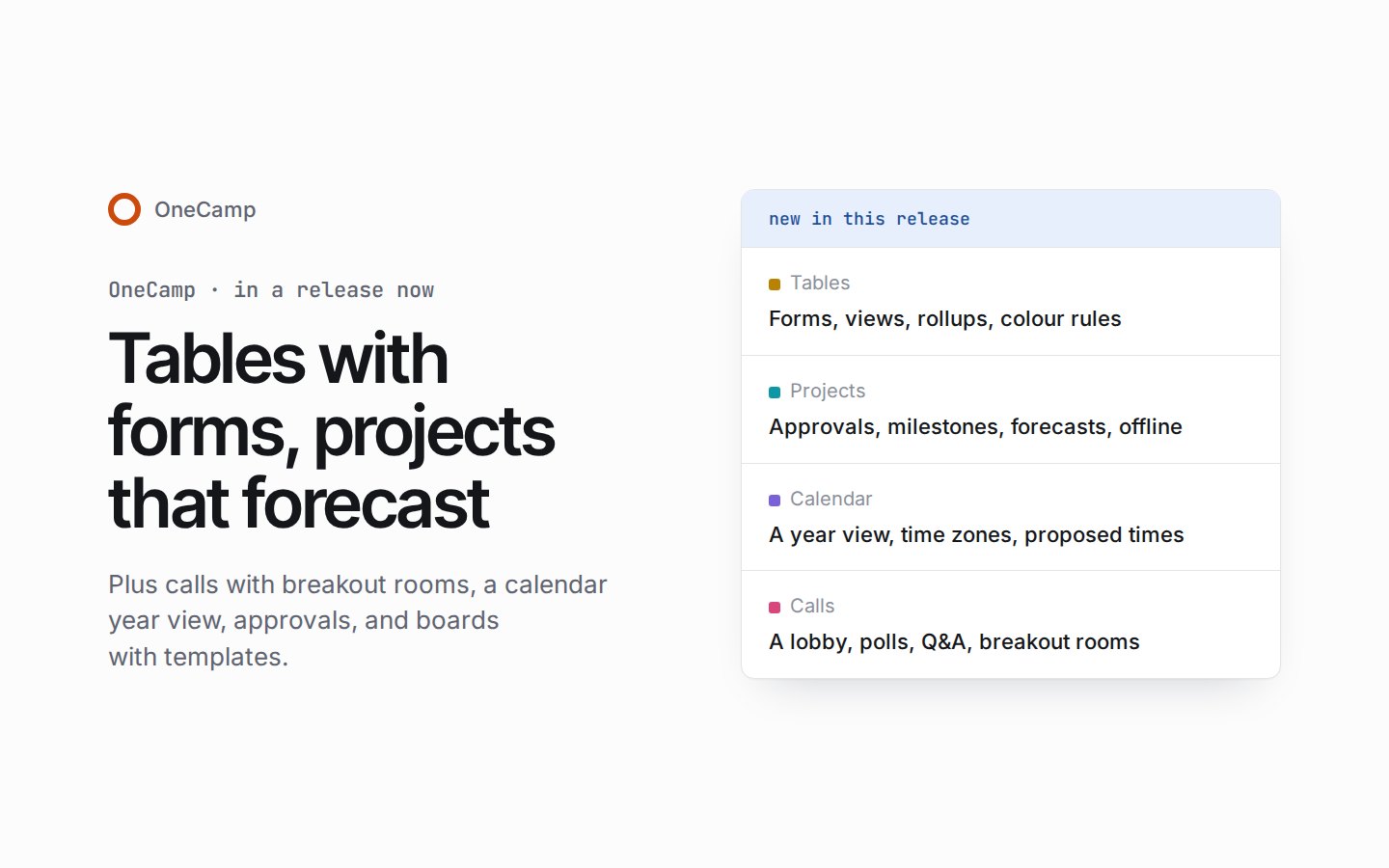
If you’re new here: OneCamp is a self-hosted workspace (chat, tasks, docs, calls, calendar and AI agents) that you install on your own server. It is open source and free for up to 25 people.
Everything in this post is in a release you can install today. The release notes list it all, and the installation guide’s Updating section has the steps.
The last post, three days ago, showed what had reached the live demo: approvals and status rules for projects, task keys, a calendar with a year view and time zones, tables that group and colour their rows, and boards you can present in a call. All of that is in this release, and so is everything the demo has gained since.
Tables you can run work in
A table now opens as a grid, a gallery, a list, a timeline or a Gantt chart with arrows between the rows that depend on each other. Drag a bar on the timeline and both its dates move.
A table can also be a form. Share its link, and anyone with it can answer: each answer becomes a row. Forms can branch on earlier answers on every plan, wear your own cover and logo, fill in answers from the link and hide only the questions you choose, and send people to a page of your choice when they’re done.
Linked records roll up through three levels, so a portfolio can add up its projects’ totals, which add up their vendors’ spend. A loop, or a fourth level, is refused in plain words, and a broken chain says why instead of leaving the cell blank. Each level shows a person only what they may open.
Filters nest, rows group three levels deep with counts and totals worked out on the server, and rows can be coloured by a field or by rules, including colour scales and rules that compare two fields. A view can be your own, shared or locked, and its link opens it exactly as it was saved. The formula editor has 91 functions with help as you type, big tables sort by a formula, and tables come in from CSV and Excel and go back out to both.
Projects that plan ahead
Each project’s admins choose who may move tasks into a status, which fields it needs and who has to approve it: any one person, a number of them, or the client. A move that needs approval becomes a request, with an approval card on the task and a waiting mark on its card on the board.
Estimates can be points on the scale your team likes, or hours. Cycles can be scheduled ahead, tasks you start join the running cycle, and a backlog can be worked from the keyboard. Milestones have a target date, their tasks and their progress, and show as a diamond on the timeline.
And every project now says when it should land: from its own pace over the last four weeks, and from the tasks it is waiting on, with an early and a late date either side.
Task lists keep working when the network goes. Add a task, a comment or a sub-task offline and it shows at once; when you’re back online, the changes go out in the order you made them.
A calendar for the whole week
Day, Week, Month, Agenda and Year views, a range of as many days as you like, three densities and a printable page. An event keeps the time zone it was made in, the week can show up to three other zones beside yours, and Find a time shows each person’s local time and working hours.
Guests can answer yes, no or maybe with a note, or propose another time from their own page without an account. A new view shows where your week goes: focus time, one-to-ones, group meetings, meetings you still have to answer, and the people you meet most. Drag a task onto the calendar to block time for it. An out of office can now decline invitations for you, only new ones or new and existing ones, each with your own message.
Calls with a lobby, polls and breakout rooms
Anyone can join a call from a browser with nothing to install, and each meeting can be open, trusted or restricted. Hosts and co-hosts can pause chat, screen sharing, reactions, microphones or cameras and let people through one by one, and every host action is recorded.
In the call, hands queue in order, polls and Q&A work on every plan, and breakout rooms keep the call whole: the host sees who is in each room, and a recording carries on through them. A board can go on the call’s stage, where guests can draw once the host lets them.
Boards, docs and the rest
Boards come with forty templates, and you can save your own. A retro board’s Actions frame turns its notes into tasks in one click. A board exports to a PDF with a page per frame, its notes to a spreadsheet, or to a file you can import again, and a small map helps you get around a big board.
Docs have a suggesting mode, comments that become tasks, and an approve or request-changes step for clients. One search box now understands people, dates, places and titles across messages, docs, tasks and files, and never counts what you can’t open.
Deleting a custom field, a status, a cycle, a milestone, a form, a time entry or a draft invoice can now be undone from the message that confirms it. A status comes back with its tasks in it.
Docs now count their views by day, and anyone can turn off the recording of their own views. When someone leaves, an admin can hand their docs to someone else, and the shared links that person made stop working. And Basecamp joins the tools you can import from.
What’s next
The live demo keeps moving, and the next post will say what reached it. If you run OneCamp, update to get all of the above; if you don’t yet, the live demo is the quickest way to try it.