
If you’re new here: OneCamp is a self-hosted workspace (chat, tasks, docs, calls, calendar and AI agents) that you install on your own server. It is open source and free for up to 25 people.
Everything in this post is in a new release you can install today, with AI or without: the release notes list it all, and the installation guide’s Updating section has the steps. The few things that need AI say so.
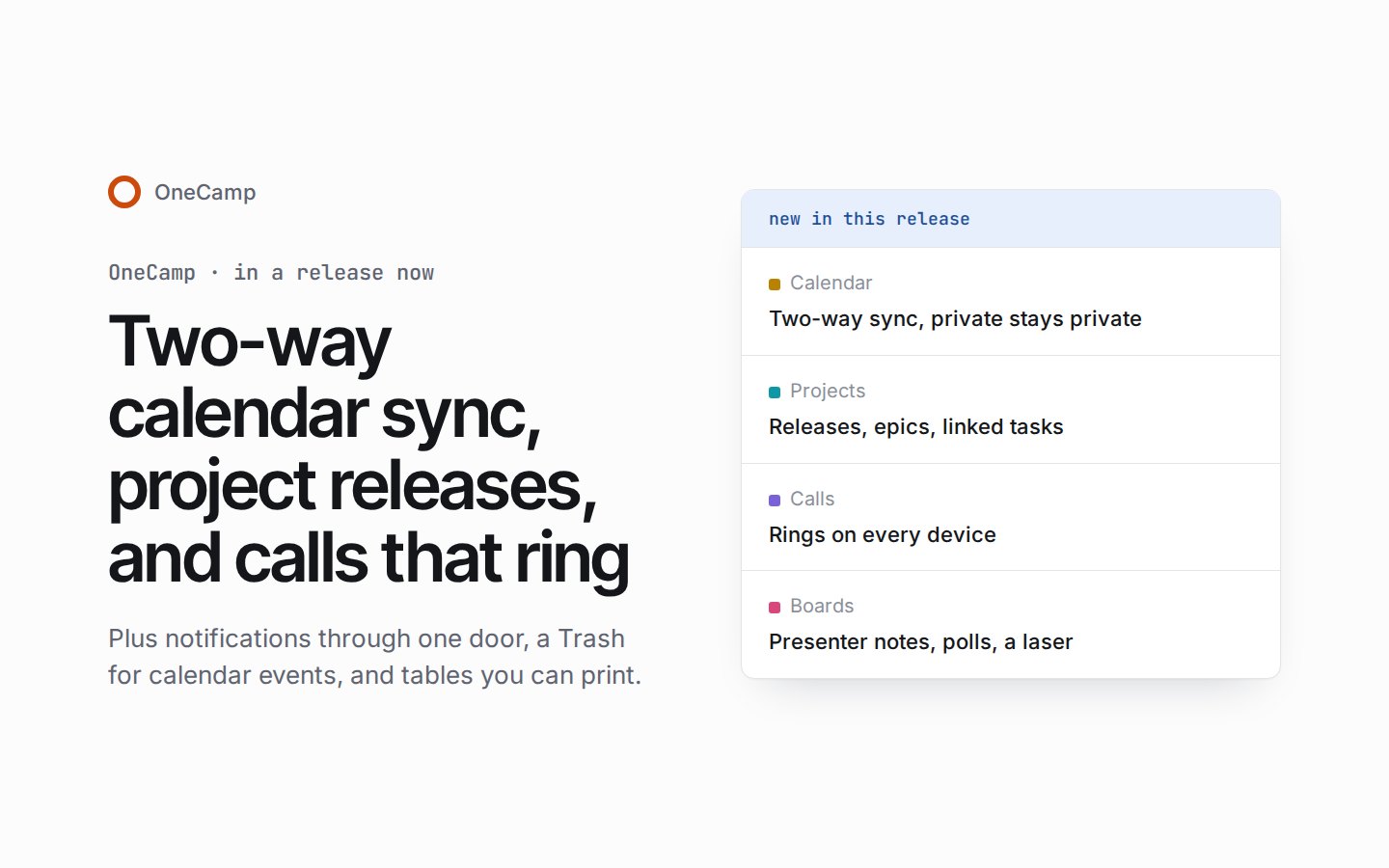
The last post brought labels for sensitive work, private mode on boards, and dashboards. In this release, Outlook Calendar syncs both ways, projects gain releases and epics, a call in a direct message rings its people on every device, and boards become a place to present. Notifications now go through one door, so nobody hears of the same thing twice, and calendar events get a Trash, files and a call of their own.
Outlook Calendar, both ways
You can now connect your own Outlook calendar as you would Google Calendar, once an admin has added a Microsoft app in Admin settings, which shows the steps. An event private on either side is private on both, and a calendar that is read-only on the Outlook side says so in OneCamp.
Releases, epics and linked work
A project now has a Releases tab, every task has a Release field and filter, and each release has its own burndown. Mark released asks what becomes of the unfinished tasks. A Git tag pushed to a linked repository makes or ships a release, and builds and deploys report their stage against it. With AI, the AI can draft the release’s notes.
Epic is now a seventh built-in task type, and an epic’s progress counts the work its reader can see. Tasks link to each other as relates to, duplicates or clones. A task field can be a formula, worked out from the task’s other fields. And “fixes WEB-12” in a commit or pull request closes WEB-12.
Calls that ring
A call in a direct message or a small group now rings its people on every device, and they join or decline from the ring. The caller sees whom it rings and can ring again, and the call’s card says who declined.
You can also join a call from a second device as a companion, to present with no microphone or camera, or move the call to that device with Switch here. Recording asks first and tells everyone, with the choice to leave, and a recording shows the call’s stage. Low light and touch-up work without WebGL. With AI, the in-call assistant says what it can hear.
Present from a board
A board is now a place to present: presenter notes the audience never sees, a grid of slides to jump between, polls on a slide that everyone following votes in, and a laser everyone sees in its person’s colour. You can start a call from a board and put the board on its stage, and a board lists the calls that showed it.
Boards gain a highlighter, and a pen stroke held still becomes its shape. Code blocks have numbered, coloured lines, frames come in eight sizes and take in the notes placed on them, and boards can be starred, with recent boards and list filters by owner, project or team.
Notifications through one door
Nobody is told twice of the same thing any more. Mentions and comments in the Inbox say who, what and where, and “Why am I seeing this?” explains a notification, or a missing one, with Send me a test.
A reaction in a direct message no longer sends a push notification; it shows in Activity, as in Slack.
Calendar events, and planning your time
Calendar events get a Trash that keeps them for 30 days, a place, files and linked tasks, colours of their own, and a call room you join from the event’s card, the agenda or Home. Moving an event asks “Tell guests?”, and deleting one sends it to the Trash, with Undo.
You can choose which calendar emails you get (invitations, changes, replies), set default reminders for each calendar, and drag open tasks onto your week from the calendar’s Tasks list. With AI, Plan my week proposes blocks for your open tasks in your free time, ordered by your own model, and saves nothing until you confirm; and an organiser is offered a better time when a guest declines.
With AI: agents ask first
A new AI agent now proposes each change for a yes in your Inbox, until someone chooses otherwise. Agents you already have keep their mode. Approvals name the agent that’s waiting, and an approval’s push notification opens its request.
Smaller things
- Tables: print a view or save it as a PDF. Live views read only the cells that changed, so big tables keep up while many people edit.
- Chat on a phone: Send later from a long-press on Send or +, and follow a thread from its page. Anywhere, you can type when in words, such as “tomorrow 9” or “in 2 hours”, for Send later and Remind me, and Remind me now works on a doc or a project too.
- Seats and sign-in: a member who meets the seat limit is told to ask an admin, admins hear in their Inbox when the limit turns someone away, and Admin shows seats against the limit. Sign-in says where the workspace runs, and with email off, an invitation gives you a link to share.
- Over the API, acting as the token’s member: your calendar (calendars, events, free times and event webhooks) and a task’s links. With AI, your agents get the same as tools.
- Steadier and quicker: the sidebar holds still as you move between pages, long task lists draw only what’s in view, and a call loads its parts once.
Fixes
Who sees what
- A project’s money fields showed their amounts to every member, in lists, the task panel, exports and live updates; fixed. Only the project’s admins see them now.
- A board could carry a hidden web page that showed to everyone who opened it, guests included; fixed.
- The workspace’s GitHub connection could reach past the repositories a project links, through a task’s GitHub search, and with AI through the AI code tools; fixed.
- With AI, a member of a conversation who wasn’t in its live call could read the call’s transcript through the in-call assistant, which could also answer from the conversation’s previous call; fixed.
- With AI, the AI memory list and briefing could still show you items from private channels, projects or messages you had left; fixed.
- The AI scheduler now only counts the people you’re allowed to see.
- A Google event private there, or one occurrence of a repeating event made private on its own, came in with default visibility, so people who could see the calendar saw its details; fixed.
- In private mode, a face-down note could give away the size of the words under it; fixed.
Notifications and the Inbox
- The Inbox badge counts what the Inbox shows as unread, and opening the Inbox clears it everywhere. With AI, urgent OneCamp AI nudges count by the same rule. The Threads count matches its list.
- What asks you something stays in the Inbox’s Priority tab until you answer it.
- Deleting a message takes back the notices it sent, and a mention added by an edit is told once.
- @everyone is offered in the channel new members join, #general until an admin picks one.
- What a GitHub refresh or a data move brings in no longer notifies people, and whoever GitHub assigns an issue to is told once.
- With AI, an agent’s reply in a thread is told once, and a dropped AI reply is deleted as a person’s is.
Calendar and calls
- Guests are no longer told an event’s time changed when only its time zone’s name did.
- An event made private shows a lock on its view and card, and an event’s own page updates live.
- On a slow phone, a tap on a calendar event no longer opens its card and shuts it again.
- A recording that stops on its own no longer leaves the call saying it is recording.
Tasks, tables and docs
- A pull request’s state, checks and review reach its linked task again; a task linked earlier catches up at its pull request’s next change.
- The GitHub issue search dialog no longer searches over and over while it’s open.
- A paste or fill the server refuses keeps its cells marked, with Retry, until you act, and a cell edit refused for lack of space is kept the same way.
- When Postgres runs short of shared memory, a big table’s read runs again without parallel workers, so the page still loads.
- A whiteboard in a doc is kept by exports and the API, and with AI by AI reads too, and an older save no longer cuts it down to a link.
- With AI, Home calls a commitment overdue only while it is recently overdue.
Pickers, notices, phones and the keyboard
- A search typed in the chat people list while an earlier one is still out is no longer lost.
- A dropdown picker opened before its code has loaded keeps what you typed, its highlight and its focus.
- A notice with no timer shows its close button on touch screens, and a notice’s buttons are a full fingertip tall.
- On a phone, a thread’s first message offers the usual actions and Delete asks first, a project’s read-only members no longer see link controls, and a board’s label chip fits its row.
- Closing a dialog gives focus back to what opened it, and on Home an item finished from the keyboard passes focus to the next.
Before you update
The steps are under Updating on the installation page, and the changelog has the details.
- A backup first. The update takes a backup, then applies sixteen database migrations. They add an event’s files and linked tasks, call declines, calendar email choices, releases, the Epic task type, formula task fields, a record of each notification delivered, presenter notes, polls on a slide and two indexes. With AI, one of them also makes a new AI agent ask first.
- Some one-time work. Each Google and Outlook calendar linked for sync is read whole once at its next sync, and nothing is sent to it until that read has worked. One index on events is built without blocking writes. And after its first start, the server once gives each old task comment to the person it is addressed to, a page at a time, so Activity lists it; a restart picks up where it left off.
- Money fields in the Work Change Log. Recent changes to money fields in the Work Change Log, which keeps 30 days, now name the field without the amount, for admins too. The field’s value itself is untouched.
- Outlook Calendar. To offer it, an admin adds a Microsoft app in Admin settings, which shows the steps.
- The web app goes with the server.
make updateupdates both; if you host the web app yourself, deploy this release’s web app at the same time. In our update test, the previous release’s web app still worked against the updated server for the everyday basics: people stayed signed in, and could post, search and write in a doc together, live and saved. The new features need the new web app, so anyone with a tab open should reload. - Scripts and integrations. A task made over the API with no priority now has no priority, not medium, and with AI so does an agent’s
create_tasktool. Task reads over the API leave the priority out when a task has none, and a webhook’stask.changedpriority can be empty. Your calendar over the API comes with a newcalendar:readscope and webhooks for an event created, updated, cancelled, deleted or restored. New routes cover releases, task links, parents and releases, deleted boards, presenter notes and polls on a slide, recent places, an event’s files and call room, ringing and companions in a call, why a notification came and the plan’s seats. Existing routes keep their paths.
What’s next
The live demo keeps moving, and the next post will say what reached it. If you run OneCamp, the update is ready when you are; if you don’t yet, the live demo is the quickest way to try it.