
If you’re new here: OneCamp is a self-hosted workspace (chat, tasks, docs, calls, calendar and AI agents) that you install on your own server. It is open source and free for up to 25 people.
Everything in this post is in a new release you can install today, with AI or without: the release notes list it all, and the installation guide’s Updating section has the steps.
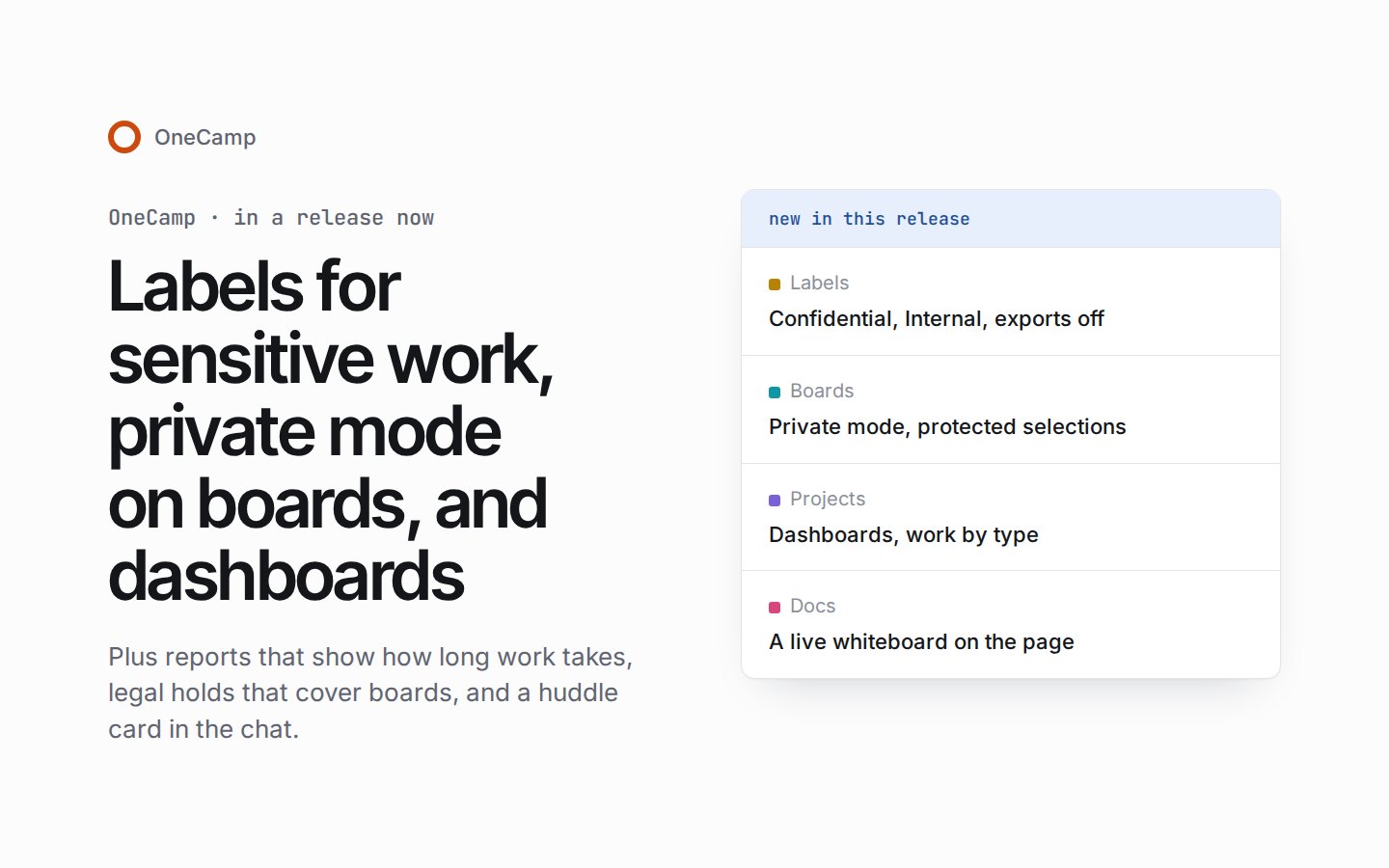
The last post brought task templates, tables where you choose who edits, and reactions on boards. Since then, a small update made docs shared to the web open again for people without an account, and gave New task’s menus every choice back; this release carries those fixes too. What’s new is about work that needs care: labels that say what may leave the workspace, a private round on boards, and dashboards that put a project’s numbers in one place.
Labels for sensitive work
A board or a doc can now carry a sensitivity label, such as Confidential or Internal, from the labels your admin defines in Admin. A label can switch exports off, and its chip shows at a glance what it allows, so anyone who opens a board labelled Confidential sees that it’s labelled, and whether it can be exported, before they think of sharing it.
Retention rules and legal holds now cover boards too, and a legal hold’s export comes in parts you can download one by one.
Private mode on boards
A facilitator can start a private round on a board. Everyone writes their notes as usual, but the notes stay face down until the facilitator reveals them, so the first idea on the board doesn’t steer the rest. It holds in every tab the same person has open, and no one’s words are lost when a tab comes back late: a held note shows its words when its author’s tab opens after the round.
You can also protect part of a board. A protected selection is locked for everyone else, with a badge on the canvas, until you lift it. And a board shared by link can now be embedded, read-only, on any website.
Dashboards, work by type, and how long work takes
Reports’ numbers and charts can now go on a dashboard: one of your own, a project’s, or the workspace’s. Reports itself opens on any view, slices by your custom fields, and shows how long work takes.
A project’s list and board can group and filter by task type, and each row and card shows its type, so different kinds of work no longer blend into one list.
A whiteboard in a doc
A doc can now hold a live whiteboard. It shows read-only as part of the page and keeps up as the board changes, and Look around lets you move about it without leaving the doc.
Smaller things
- A huddle posts its card in the conversation, showing who is in the call, and the card keeps its facts after the call ends.
- Board exports say what they left out.
- Narrow call tiles keep the first word of each name and mark a guest or an invitee; with AI, an agent too.
- Tables over the API: a table’s fields, views and row comments, and creating, changing, deleting and restoring a table, through the REST API. With AI, your agents get the same as tools.
Fixes
- A table’s webhooks could reach owners who couldn’t open the table; they now reach only people who can.
- A column change is one undo step, and it reaches only people who can open the table.
- Keys typed before a table’s cells finish loading are kept, in order.
- On an install, sums over a big table could fail when many people read at once; they work again, because the database now gets more shared memory.
- Board dialogs sit above the app, and a ? typed into text on a board stays in the text.
- A failed save is reported once, not several times.
- Using a calendar’s secret link is now recorded in the admin audit log.
Before you update
The steps are under Updating on the installation page, and the changelog has the details.
- A backup first. The release applies five database migrations, for retention and legal holds, sensitivity labels, dashboards and the calendar, after taking a backup. Going back to an earlier release isn’t supported, so that backup is the way back.
- A short database restart. The update recreates the database’s container once, now with more shared memory, so the database restarts with a short pause.
- The web app with the server. Update the web app with the server. If you host the web app yourself, deploy the new one at the same time, and anyone with OneCamp open should reload it once the update is done.
- Scripts and integrations. New API routes cover a table’s fields, views, row comments and the table’s own lifecycle. Existing routes keep their paths.
What’s next
The live demo keeps moving, and the next post will say what reached it. If you run OneCamp, the update is ready when you are; if you don’t yet, the live demo is the quickest way to try it.