
Think about the last good meeting you had.
Real decisions got made. A few people took on action items. Someone raised a question that genuinely mattered. And then… the call ended, and 80% of that evaporated. Maybe one person scribbled notes. Maybe someone meant to “send a follow-up” and didn’t. A week later you’re half-arguing about what was actually decided, because the only record was everyone’s slightly different memory.
Calls are where the highest-value information in a company gets created and where it most reliably gets lost. So I gave OneCamp’s calls an assistant that sits in the room, listens, and makes sure nothing important leaves without being written down.
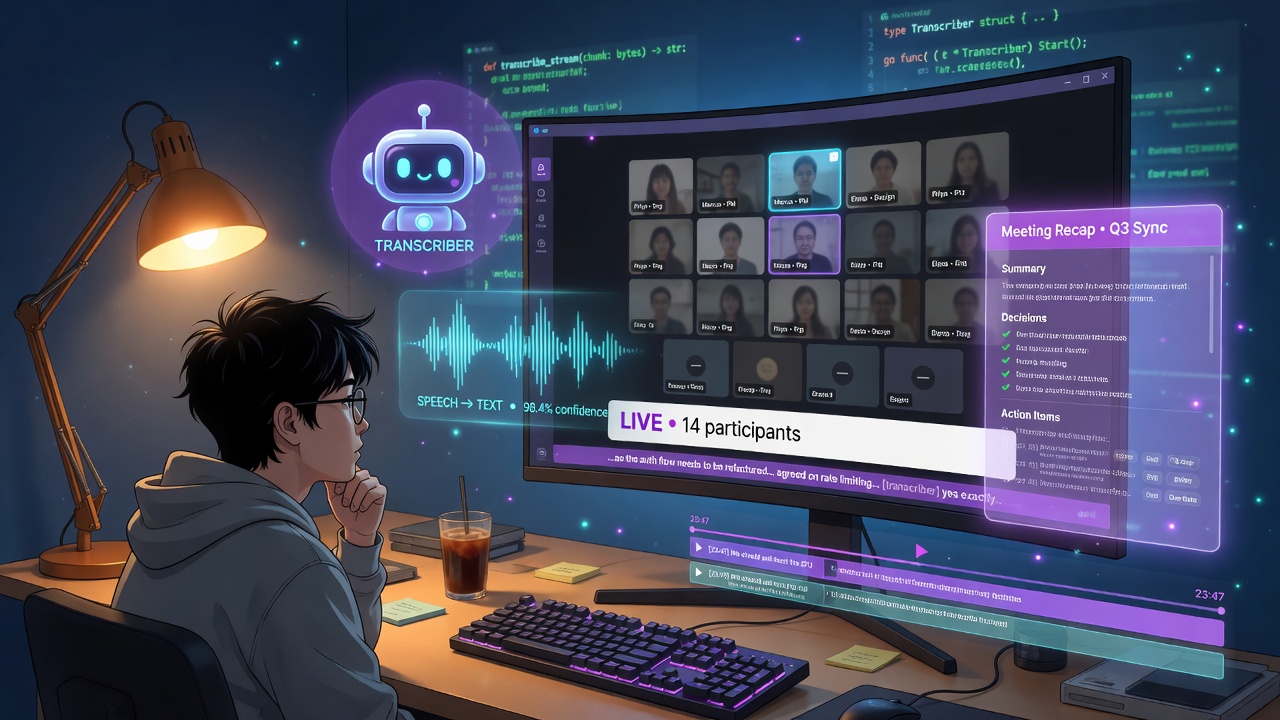
It’s not a chatbot you talk to mid-call. It’s quieter and, I’d argue, more useful: an ambient meeting assistant. It transcribes while you talk, and the moment the call ends, it writes the recap, posts it exactly where the conversation happened, and files the decisions into your workspace’s long-term memory.
Here’s how the whole thing fits together.
A Bot That Joins Every Call 🎙️
OneCamp’s calls run on LiveKit, the open-source WebRTC stack — self-hostable, which is the only kind of video infra that fits OneCamp’s “your server, your data” philosophy. Alongside it runs a small Python agent whose entire job is to show up and listen.
When a room starts — or when the first human joins — LiveKit fires a webhook, and the agent joins as a participant called the Transcriber Bot:
should_join = False
if event.event == "room_started":
    should_join = True
elif event.event == "participant_joined":
    if event.participant.identity != AGENT_IDENTITY:
        should_join = True
It subscribes to each person’s audio track, runs speech-to-text on it, and publishes the captions back into the call in real time, so everyone sees live transcription as they talk. When the room empties, it leaves. It even handles the awkward case of restarting mid-meeting — on boot it scans for rooms that are already active and rejoins them, so a deploy in the middle of your standup doesn’t lose the transcript.
One detail I’m quietly proud of: getting timestamps right. Browser clocks drift, the recording server has its own clock, and the agent has a third. If you naively trust any one of them, clicking a line in the transcript jumps to the wrong spot in the recording. The agent rebases every utterance against a single anchor — the moment recording started, measured in its own clock — so when you later click “she said the budget was approved,” the video actually seeks there.
Bring Your Own Ears 👂
I refused to hardwire a single speech-to-text vendor, for the same reason OneCamp doesn’t hardwire a single LLM: self-hosted means your choice.
The agent fetches its transcription config from the backend (admin-managed, cached for 30 seconds), and the provider is just a setting:
# deepgram → livekit-plugins-deepgram
# google   → livekit-plugins-google
# openai   → livekit-plugins-openai, which also covers ANY OpenAI-
#            compatible STT (Whisper, Groq, self-hosted faster-whisper / vLLM)
Adding a new speech engine is a config change, not a code rewrite. A team that wants zero data leaving the building can point it at a self-hosted Whisper. A team that wants best-in-class accuracy can use a cloud provider with their own key. Same as the rest of OneCamp: you decide where your words go.
And if the backend is briefly unreachable when a call starts? The agent falls back to environment variables and keeps transcribing. A config blip never costs you a transcript.
The Recap Writes Itself 📝
Live captions are nice. The recap is where it gets good.
When the call ends, LiveKit fires room_finished, and OneCamp’s meeting recap agent (this part’s in Go) takes over. It pulls the transcript, and if the call was substantial enough to be worth summarizing — a two-line call isn’t — it feeds the transcript to your configured LLM with a deliberately strict prompt:
**📝 Summary**       — 2-4 bullets of what the call was about and key outcomes
**✅ Decisions**     — each concrete decision. If none, "- None".
**📋 Action Items**  — each task someone committed to, with the owner when stated
The rules are blunt on purpose: use only what’s in the transcript, never invent a name or a date, and if it’s too short or garbled to summarize, reply SKIP_RECAP. That last instruction matters — I’d rather the assistant say nothing than hallucinate a decision nobody made. A fake action item is worse than no action item.
Then it posts the recap back to the exact place the call happened — the channel, the group chat, or the DM. Not a separate “meetings” inbox you’ll never check. Right where the conversation already lives.
This is the kind of thing a chat-only tool structurally cannot do. It requires owning the call, the transcript, and the destination surface in one system. OneCamp owns all three, so the recap can close the loop end to end.
The Part Most People Miss: Who “Sends” the Recap 🧑⚖️
Here’s a subtle decision that took real thought. When the AI posts a recap into a private channel, whose message is it?
The easy answer is a synthetic “AI Bot” account. The problem: a bot account would need access to every channel, which makes it a perfect little data-leak vector — post the contents of a private call into a place someone shouldn’t see.
So I did it differently. The recap is authored by an actual participant of the call — someone who already has access to that channel by virtue of having been on the call. The agent walks the list of real speakers and posts as the first one who still has access to the destination:
// Trying candidates in order makes delivery resilient to a lead speaker
// who left the workspace or was removed from the channel after the call.
Every delivery path re-checks that the author can actually access the surface. So the recap can never land somewhere a real human couldn’t have posted it themselves. Convenience never gets to quietly widen who can see what.
It’s also idempotent — the “call ended” webhook can fire twice, so a short Redis lock guarantees you get exactly one recap, not two.
And Then It Remembers 🧠
The recap isn’t the end. After it posts, the agent feeds the summary into OneCamp’s workspace memory layer — the same structured store of decisions, commitments, and open questions that powers semantic search and the AI Nudges I wrote about recently.
So the chain is: you talk → it transcribes → it summarizes → it posts → it remembers → it nudges you when the commitment you made is overdue. A decision you made out loud on a Tuesday call becomes a searchable fact, and the action item you took on becomes something the workspace will quietly remind you about on Thursday.
That’s the whole arc I’m building toward — information created in conversation that doesn’t die when the conversation does.
The Privacy Argument, Again 🔒
When you use a cloud meeting-notes product, your call audio and transcript go to their servers and their AI. You’re trusting a privacy policy.
In OneCamp, the agent runs on your infrastructure. The transcript is stored in your database. The summarization runs on your Ollama instance or your own API key on your own account. The recap is posted by your own user into your own channel. For anyone with a compliance requirement — legal, healthcare, finance — “the meeting notes never left our servers” isn’t a nice-to-have; it’s the only acceptable answer. And for everyone else, it just means a SaaS company doesn’t get a transcript of every conversation your team has.
Where to Find It 🗺️
Start a call in any channel, group, or DM. If your admin has transcription and meeting recap enabled, the assistant joins automatically — you’ll see live captions during the call, and a recap will land in the conversation shortly after it ends. No “invite the notetaker” dance, no separate bot to set up per meeting.
OneCamp is available as a self-hosted lifetime purchase at onemana.dev — one payment, unlimited users, your server.
Previous posts: AI Nudges: A Workspace That Remembers What You Promised · OneCamp Connectors: Gmail, Calendar, GitHub · AI-Agnostic Workspace with Active Memory Layering · Building the Anti-SaaS Workspace
Follow on Twitter for more updates.