
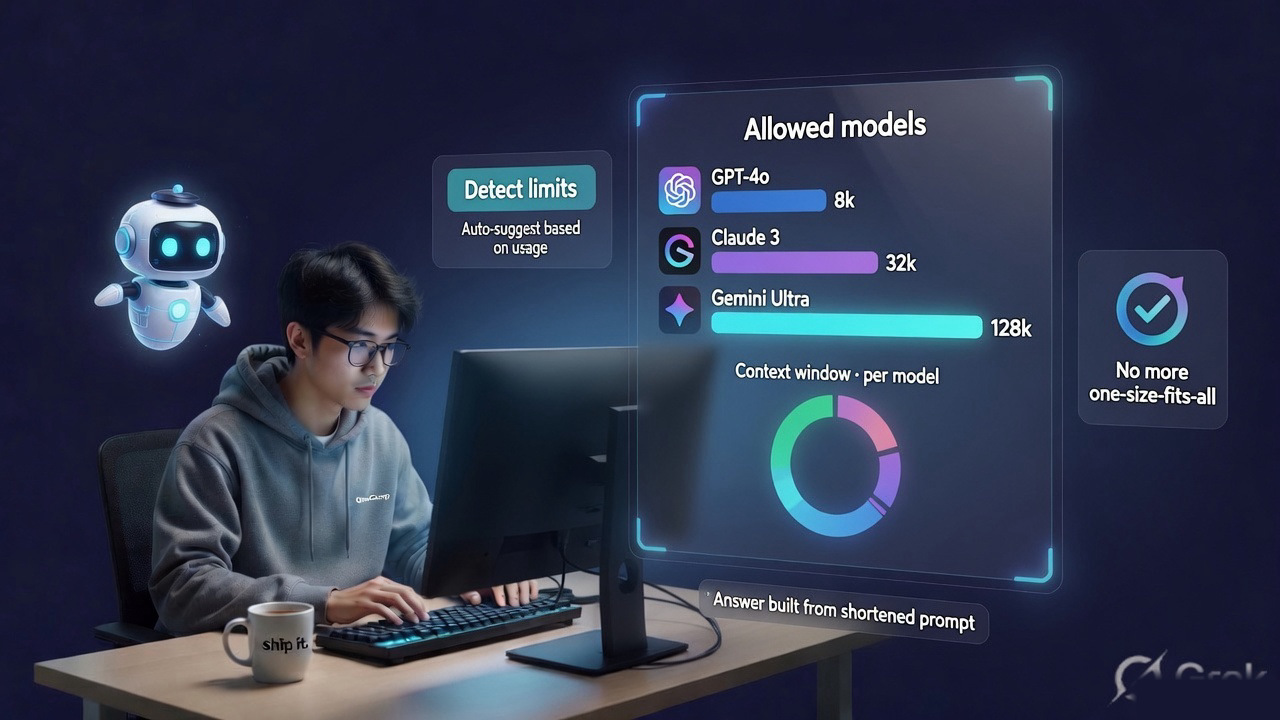
One of four posts about a week with no new features in it. The first was about opening OneCamp to outside AI agents; this one is smaller and, if you run local models, probably more likely to have affected you.
If you’re new here: OneCamp is a self-hosted workspace with AI teammates that live in it — on your own infrastructure, through your own choice of model.
That last part is the whole design. OneCamp is model-agnostic on purpose: an admin allows a set of models, and a member, a channel, or an agent can each pick a different one from that allowlist.
There was exactly one context window setting for all of them, and every budget read it regardless of which model actually answered.
Wrong in Both Directions, and Silently 🎚️
- A channel pinned to a 128k model, under a workspace configured at 8192, threw away context that would have fitted comfortably. Nobody saw an error; the answer was just built from less than it could have been.
- On a local model it was worse than wasteful. The context size is applied when the client is constructed, so the model was genuinely run small — not trimmed on the way in, run small.
- The other direction fails loudly instead: an 8k model under a 128k workspace gets prompts it cannot accept, which cloud providers answer with a flat HTTP 400.
I’d actually built this once earlier in the wider work and reverted it deliberately, because the first attempt guessed a window from the model’s name. That doesn’t hold up. A compiled-in catalogue goes stale, it can’t cover an OpenAI-compatible gateway or an arbitrary local tag, and — the real objection — it would change the effective window under a workspace that had deliberately configured a small one to fit the hardware it runs on.
Limits That Live With the Model
Limits now sit on the allowlist row itself, per model, with zero meaning “inherit the workspace default”. There’s an admin form, and a Detect button that asks the provider what the model’s limits actually are — for every source that will answer.
Discovery suggests, never applies. A gateway’s answer can be stale, or describe a different deployment that happens to share a name. Silently changing someone’s effective window because a probe returned a number is worse than making them press a button and look at it.
Two related fixes came out of the same work:
The output ceiling now caps what is actually sent. It was stated but not enforced on the way out. It lives in the client rather than at the two dozen call sites that would each have to remember — and the client is built per model, so it knows the right number. One provider is deliberately left unclamped, because it doesn’t reject an over-large limit and clamping it would only reduce what you asked for.
Overflow recovery prefers the provider’s own number. When a prompt does exceed a window, the recovery reads the limit the provider states in its error text rather than halving blindly. Halving cannot converge sensibly on a sixteen-fold misconfiguration; the provider just told you the answer, so use it.
And You Get Told 📝
The part people actually see: when an answer was built from a shortened prompt, it now says so. Quietly, as a footnote — not a warning banner, because trimming is usually the right call and the answer is usually fine. But “the model saw less than you gave it” is information that belongs to the person reading the answer, not to a log.
It appears on every AI surface — the assistant, search answers, the doc editor — rather than the one place I wired it first. I surveyed by hand and found eight places that trimmed silently. Then I wrote a check that fails the build for any trim that isn’t reported, and it found fifteen.
That gap between eight and fifteen is the argument for the check rather than the survey.
What This Means If You Use OneCamp 🚀
Set per-model limits — Admin → AI Models → Allowed models. If you allow models with different context windows, give each row its own limit, or leave it at zero to inherit the workspace default. Use Detect to ask the provider, then check the number before saving it.
This matters most if you run local models. A wrong number there doesn’t just trim your prompt, it runs the model small — so a model you believe has a large window may have been answering from a fraction of it.
Nothing breaks if you do nothing. Zero means inherit, which is exactly the behaviour you have today.
The other posts from this week: we opened OneCamp to outside AI agents, the code was written, nothing called it, and regex is not a sanitiser.
OneCamp is an open-source, self-hosted, AI-era workspace: chat, docs, tasks, projects, calls, boards, tables, a programmable API, and AI teammates that can see, calculate, run code, query your databases, read your documents, and open pull requests — on infrastructure you own, through the model you choose. Find it at onemana.dev.