
If you’re new here: OneCamp is a self-hosted workspace (chat, tasks, docs, calls, calendar and AI agents) that you install on your own server. It is open source and free for up to 25 people.
Everything in this post is on the live demo now. It isn’t in a release you can install yet; when it is, the release notes will say so.
The last two posts were about how OneCamp looks. This one is about its docs. I made a list of what people who write in Notion reach for without thinking, checked OneCamp’s docs against it, and started building what was missing. The first part went onto the demo this week.
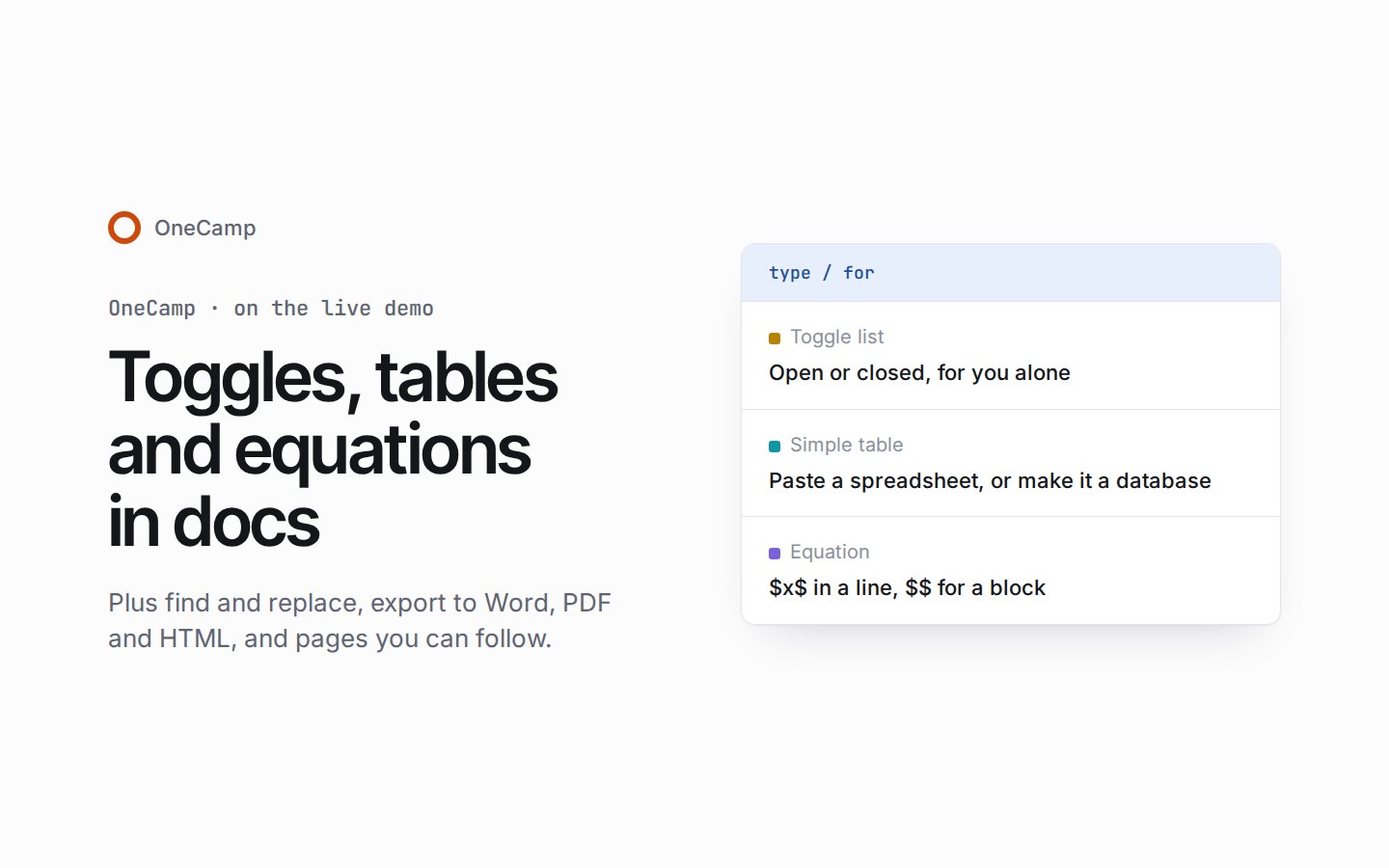
Type / for more
The / menu has new blocks, and finds them by what you type, not only by how their names start:
- Toggle lists and toggle headings, for the parts of a page not everyone needs to read.
- Callouts of six kinds: note, warning, risk, done, idea and remark. You can change a callout’s kind or its icon.
- Simple tables, with a header row and a header column. Paste rows from a spreadsheet or a CSV file and you get a table. When it outgrows the page, Turn into database makes it one of OneCamp’s tables, with a column for each of its columns, embedded where it was.
- A table of contents. On a wide screen, a doc with a few headings also shows an outline at its side.
- Equations. Type
$x^2$in a line, or$$for a block of its own. - Code blocks with the language at the top, and Wrap, Caption and Copy beside it. A Mermaid block draws its diagram, and each reader picks code, split or preview for themselves.
- Images, video, audio, files and PDFs, bookmarks and embeds. Pictures can be aligned, cropped, given alt text or a link, and an upload that fails offers Try again. Paste a link and you choose what it becomes: a link, a mention of the page, a bookmark card or an embed.
- A word count for whatever you’ve selected. The whole doc’s count and reading time are in its menu.
Toggles are yours
Whether a toggle is open is each reader’s own choice, kept on their device. Closing a section for yourself changes nothing for anyone else reading the same doc.
Find and replace
Ctrl F finds in the doc, with Match case and Whole word. Show replace opens a replace field below it.
Take it out, bring it in
The doc’s menu exports it as Markdown, HTML, PDF or Word. Import files… brings in Markdown, text, HTML and Word files, or a zip of them, as new docs. Copying out of a doc gives clean Markdown.
Follow a page
Each doc’s menu has Notifications, with three choices: All activity (every comment and proposed change), Replies and mentions (the default), or Only @mentions.
Typing as you’d expect
Markdown works as you type: ~text~ strikes through, [text](link) makes a link, and $x^2$ becomes an equation. The dot beside a doc’s name says saved only once the database holds your edits, not when they’ve merely left your browser.
One thing broke on the way
For about a day on the demo, Ctrl Z couldn’t take back pressing Enter, a paste or Turn into. Every block now carries an id, and the step that gives a new block its id told undo to skip it; the editor took that as the answer for your change too. It was found while the next part was being built, and fixed on the demo that night. It never reached a release.
Try it
Open the live demo, go to Docs, open a doc and type /. The demo is shared and resets every night, so try anything. If you run OneCamp yourself, none of this is in your install yet. OneCamp is free for up to 25 people, and the code is on GitHub.