
If you’re new here: OneCamp is a self-hosted workspace (chat, docs, tasks, projects, calls, boards, tables, an API) that runs on your infrastructure. I build it, sell it, and operate the demo.
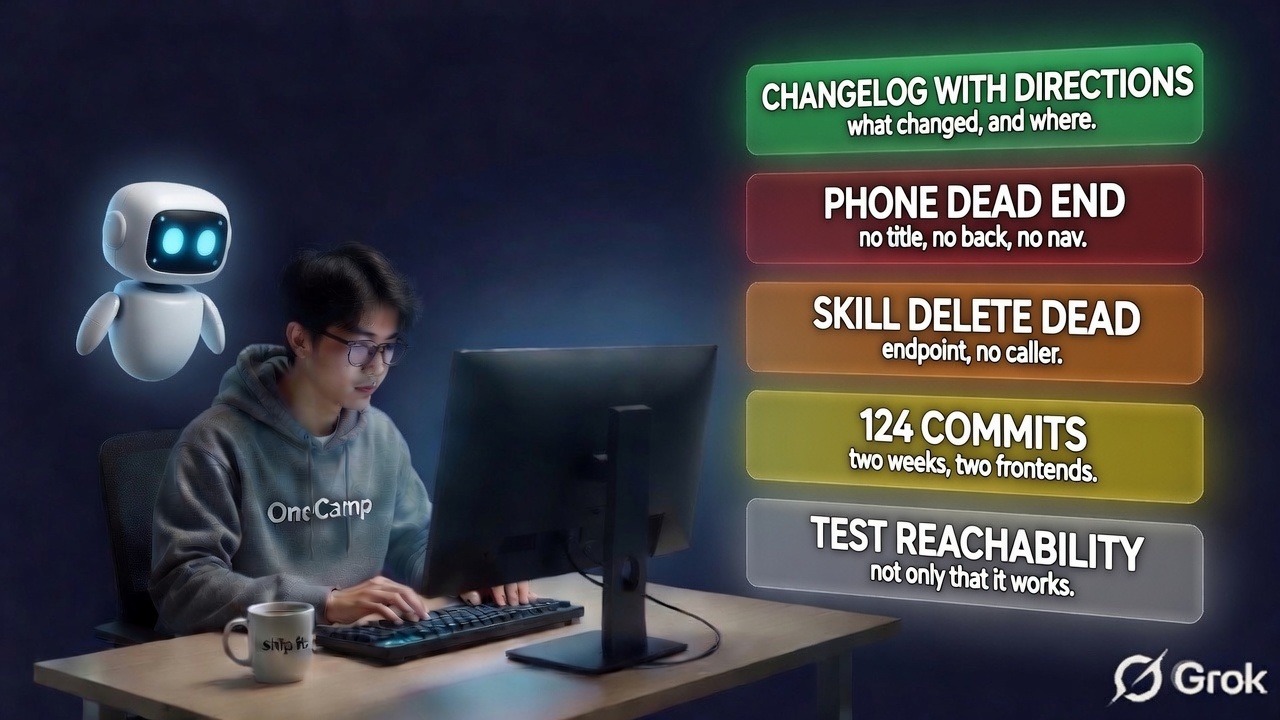
Two weeks. 124 commits across the backend and the two frontends. Normally this is where I write a changelog.
The trouble with changelogs is that they answer the wrong question. They tell you what changed. They almost never tell you where the change lives, which is how software ends up full of features that technically shipped and practically did not. I wrote about that two posts ago: a meeting recap that needed a recording nobody made, an activity feed with a finished API and no interface, a skill library with a full lifecycle in the database and no way to edit one.
So this one has directions. Every entry says where to click. And writing it made me find two more dead ends, which I will get to at the end, because one of them is embarrassing and recent.
Installing it and keeping it alive
This is the half of the two weeks that nobody demos and everybody needs.
Installation is now one command and does not want you to hand-edit an environment file. A stock install starts even when LiveKit and Firebase are absent, which sounds obvious and was not: both were treated as required, so the most common first run was a container that would not boot.
Calls ship complete in both editions now. LiveKit, the egress service and the collaboration service are all in the stack file, which means the record button in a call finally has something behind it. Before this it was a button that did nothing on a fresh install, and you only found out mid-meeting.
Local models are an opt-in profile rather than a silent fallback. If your configured chat provider cannot be resolved, it now says so instead of quietly substituting a different one and letting you wonder why the answers changed.
Where: the installer, on your server. Nothing to click.
When something goes wrong
Backups are opt-in, scheduled at install, and watched the same way storage is. They are also honest about what they are: an undo buffer on the same machine. That is a useful thing and it is not disaster recovery, and a backup feature that lets you believe otherwise is worse than none.
Restore actually restores now. It brings the schema forward before the health check rather than after it, restarts in place instead of rebuilding the world, discovers the container network instead of assuming its name, and warns you that -n is not a dry run for this target. Every one of those was found by running it rather than reading it.
There is a one command update for a version you have downloaded, and password reset tokens are stored hashed rather than in plaintext. A locked out workspace admin can get back in, including when the mailbox the account points at is gone.
Where: make targets on your server. The release notes list them.
Meetings
The biggest change here is that the recap no longer needs the call to be recorded.
Browser transcription is the default and, until two weeks ago, it kept nothing. Words appeared as captions during the call and were discarded when it ended, so the default install produced no recap at all and the settings card cheerfully offered you one. Browser mode now posts its final utterances, which means the transcript survives the call that produced it.
If you would rather not send audio anywhere, there is now a speech to text server bundled with the stack that runs on your own machine. The settings card says, for each provider, where your audio actually goes. That felt like the minimum.
The transcript also tells you when it could not hear part of the call, rather than presenting a summary of a conversation it half missed as though it were complete.
The recap can now be written into a document rather than only a message, and the document goes to everyone who was in the call rather than only the people who spoke. And it renders its markdown, which means it stopped printing literal asterisks in every recap it had ever posted.
Where: Admin, then the Transcription card to pick a provider and the AI models card to turn on the recap and the notes document. Recordings live at /app/recordings and inside each channel.
Agents
Two things an agent does are worth separating: what it proposed, and what happened next.
Every proposed action now records which agent proposed it, which is what makes approving one mean something. And a run now records what people did with it: kept, edited, ignored. There is a badge for it that distinguishes “nobody accepted this” from “nobody has looked yet”, because collapsing those two into a zero is how you get a metric that flatters or damns an agent for no reason.
Skills, the reusable instruction modules an agent composes into its prompt, got their whole lifecycle. A skill shows how many agents use it before you edit it, stores a note saying why you changed it, keeps a history, and reverts. As of this week it can also be deleted, which I will come back to.
Evaluation scores no longer follow an agent past the version that earned them. If the agent changed, the score says it is stale rather than showing you a confident number for a thing that no longer exists.
Where: your Home dashboard shows what your agents did and how much of it you kept. The builder and the skill library are in your profile drawer under Agents & skills. The workspace-wide view is in Admin, under AI activity.
Governance
The audit log exports by date range and its retention redacts rather than deletes. Each entry hashes the previous entry’s hash, so removing a row breaks verification for everything after it. Clearing the content while keeping the row satisfies an erasure request and leaves the tamper evidence standing. The verify endpoint reports redacted rows separately from checked ones, because “I verified this” and “I took this row’s word for it” are different statements.
This week the agent run ledger got the same treatment. It is the larger table and it holds transcripts, so it had the stronger argument all along. It redacts for a different reason though: that table is not hash chained, so deleting rows would break no integrity guarantee. It would break the numbers. Acceptance, activity and token totals are all computed over those rows, and deleting them would quietly rewrite an agent’s history to look better or worse than it was.
A Content Security Policy ships, generated from the origins you configured rather than hand written, and violations are collected and aggregated so the policy can eventually be enforced rather than left in report only forever. Security headers are set in the application, not only at the proxy, so they survive someone putting a different proxy in front.
Content an AI generated is marked in the content itself, so the marking survives an export.
And there is an answer to “where does this person’s data live”, which is a question you cannot answer with a search box and which arrives with a deadline attached.
Where: Admin, then the Audit log card. The data inventory is on each person in the user list. Retention is an environment variable today, which is the wrong place for it and is on the list below.
Workspace
A new workspace now gets a checklist telling it what it still needs, rather than looking finished while email was never configured.
The weekly channel report permits rather than broadcasts: a channel opts in, instead of the setting turning it on everywhere. And a finished call can now trigger a workflow.
Where: the checklist is on Home. The report toggle is in the channel’s own settings dialog. The call trigger is in Settings, then Workflows.
The doors I forgot
Here is the part that made writing this worthwhile.
I sat down to document where the skill library is, and discovered that on a phone, five Settings pages had no title, no back button and no bottom navigation. You could reach /app/settings/agents, and then the only way out was the browser’s back gesture.
The cause is two independent mistakes that happened to line up. The bottom bar decided visibility by counting path segments: more than two and it disappeared. That is right for a channel or a chat, where a message composer owns the bottom edge and a nav bar would fight it, and wrong for everything that merely happens to nest. Meanwhile the top bar’s three slots each switch on the first path segment and fall through to an empty fragment for a segment nobody added, and nobody had added Settings.
Neither mistake is visible on a desktop. Both are invisible in code review, because each file looks reasonable on its own.
The depth rule is now a named list of the surfaces that genuinely need the bottom edge. That inverts the default: a page added later keeps its navigation unless somebody decides otherwise. The failure mode of that default is a redundant bar. The failure mode of the old one was a dead end.
While I was in there I found the same switch had two fall through bugs. The AI memory page was titled “Assistant”, the same as the assistant itself. And a user profile page fell through into the chat case, which asked the chat lookup to name a conversation using a person’s id, found nothing, and rendered an empty title.
The second dead end: deleting a skill had no caller. The endpoint existed on the server. The function existed in the frontend service layer. Nothing called either, so a skill could be created and edited and never removed. The dialog’s own header comment claimed delete worked, which is probably why nobody looked.
The thing worth copying
My backend fails its build when an exported function has no caller. That guard has caught real dead features repeatedly.
My frontend had no equivalent, which is exactly how a delete function sat in a service file being called by nobody, and how a route could exist with no navigation case for it.
So there is one now. It reads the route directories off disk and fails when a route has no title and no back button. Three assertions, twenty lines, and it would have caught both of this week’s dead ends before I shipped them.
The general shape: if your product has a place where things can be silently absent, put a test there. Not a test that the feature works. A test that the feature is reachable. Those are different tests and almost nobody writes the second one.
Still open
Being honest about the list, because a changelog that only contains wins is marketing.
Retention is an environment variable. It belongs in the admin interface next to the audit viewer, where the person who owns the policy can see it. Today it needs a deploy.
A run does not record which version of its skills produced it. Edit a skill and every past run that used it becomes unreproducible, silently, with nothing in the record to say so. That is the next thing I am building, because “replay this specific agent action” is the question enterprise buyers actually ask, and right now my answer is no.
And the agent improvement loop applies changes rather than proposing them. Proposing, with the evidence attached, and waiting for a person, is what makes it sellable to the large majority who will not put an unsupervised agent in production. That one is waiting on real data rather than on me.
Update: all three shipped. Retention is an admin setting, every run stores its skill fingerprints, and the improvement loop proposes rather than applies. The write-up is six things were quietly off and none of them threw an error.
If any of the directions above turn out to be wrong, tell me. That is the whole point of the post.
OneCamp is a self-hosted workspace: one payment, unlimited users, your server. Find it at onemana.dev.